Designing custom boxes online used to require a packaging designer, expensive prototypes, and weeks of back-and-forth with manufacturers. Today, it can start with something much simpler: a browser tab and a clear idea of how you want your product to look when a customer opens the package.
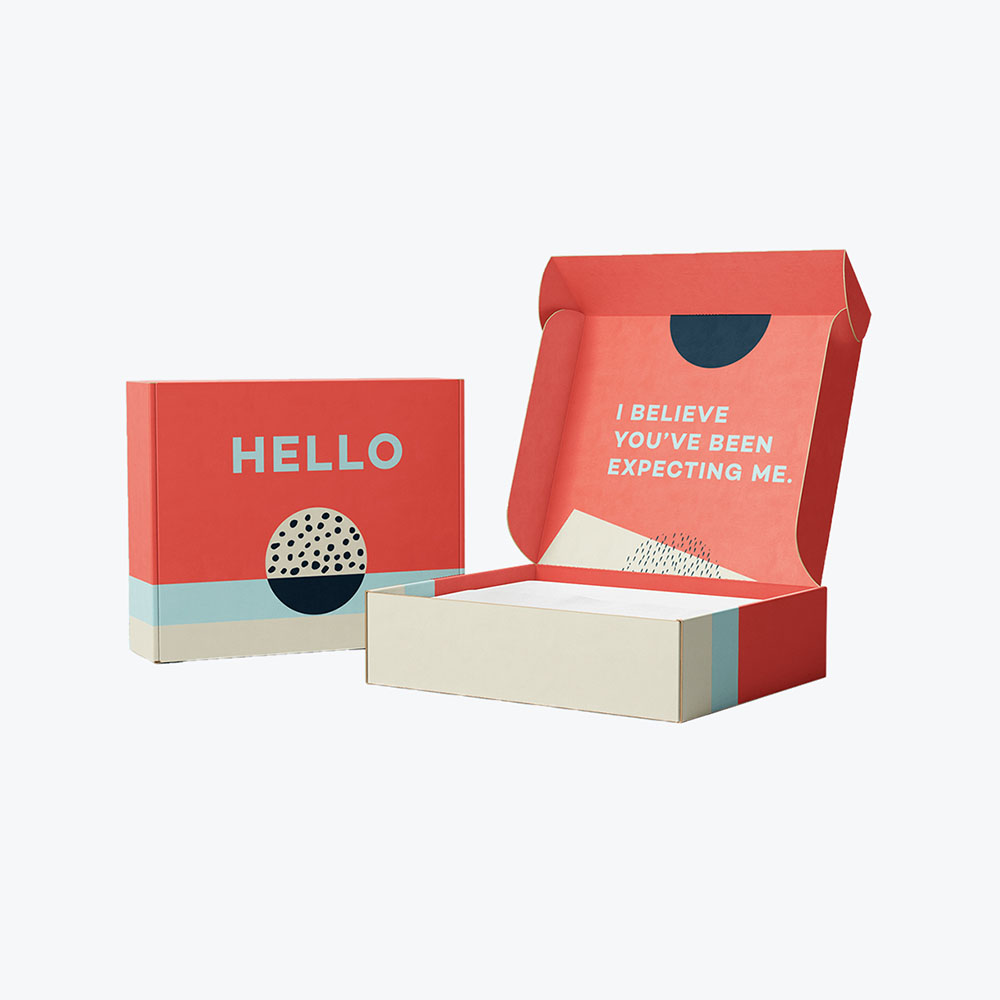
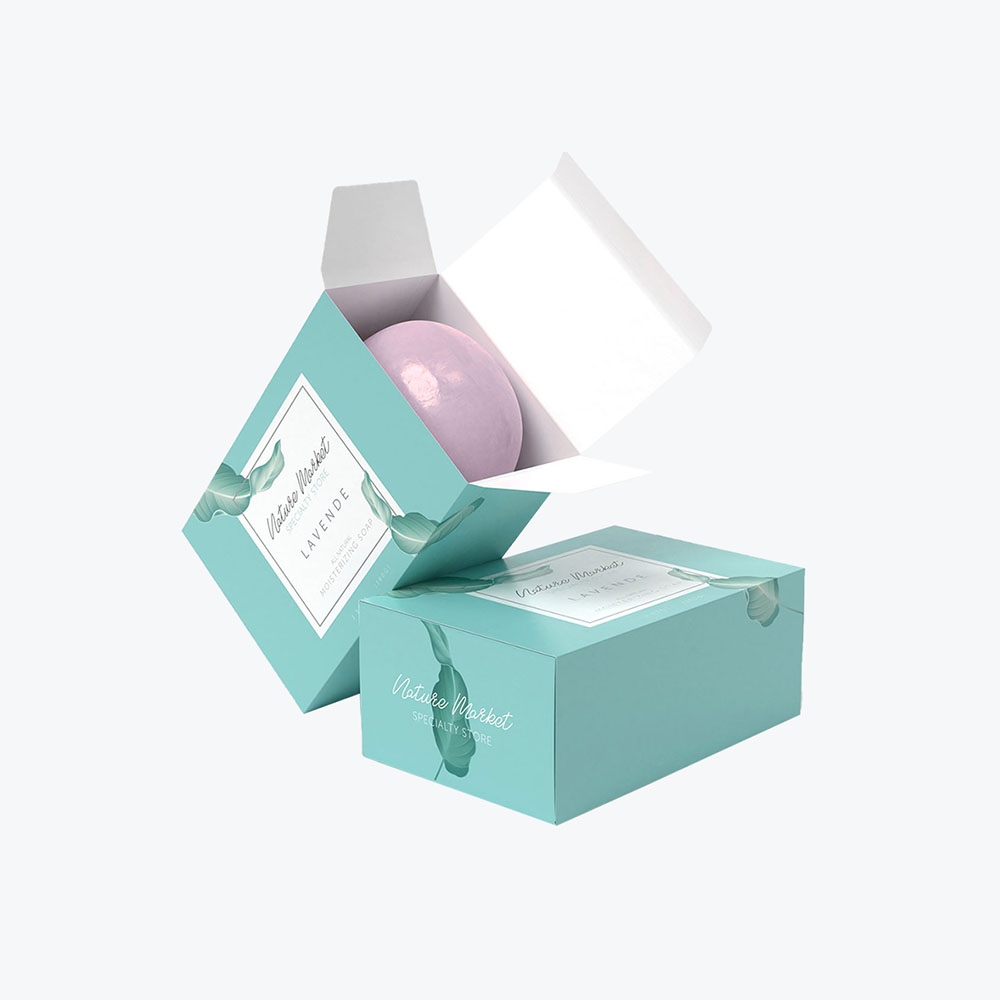
Instead of settling for generic unbranded boxes, businesses can now create custom packaging that reflects their brand from the moment a shipment arrives. Online design platforms make it possible to choose a packaging style, enter custom sizes, upload graphics, and preview a fully rendered box design before anything goes to print. That means you can experiment with colors, logo placement, fonts, and layout until the packaging feels right for your product.
For small brands especially, this shift has been huge. Tools offered by services like Packlane, Packola, and VistaPrint allow companies todesign custom printed boxes without specialized software or a large production run. You can see how the graphics wrap around each panel, adjust dimensions for a perfect fit, and even request a prototype before placing full custom packaging orders.
This guide breaks down exactly how to design custom boxes online, from choosing your box type and dimensions to reviewing proofs and placing your final order. Whether you’re launching your first product or rethinking packaging that’s been letting your brand down, let’s get into it.
Why Design Custom Boxes Online?
Unbranded boxes are a missed opportunity. Custom packaging design serves as your brand’s debut and crucial first impression. When done right, it can foster customer loyalty while creating real, measurable value for your business.
Imagine your product arriving at a customer’s door in a plain brown box. They open it, toss the box, and move on. Now picture the same product arriving in a sleek, fully branded mailer with their name printed inside the lid, your logo front and center, the colors matching exactly what they saw on your website. They photograph it. They post it. Three of their followers click through to your store.
Custom packaging plays a huge role in how customers perceive a product. A well-designed custom box design does more than just hold a product; it also communicates your brand values, improves product protection, and enhances the unboxing experience. It gives your customers something to look forward to and piques their curiosity,reported Kadence International.
77% of shoppers prefer receiving their orders in boxes versus bags
47% think that a premium unboxing experience makes them excited to open their package
42% said that visually appealing packaging encouraged them to share photos or videos of their package online
Astudy published in the Journal of Business Research reported that visually appealing creative packaging influences consumer decision-making, provides visual cues that shape customer purchase behavior, signals the meaning and quality of your brand, and attracts customers, helping your brand stand out in a saturated market.
Online packaging platforms allow businesses to control nearly every detail of the packaging design, including materials, graphics, and dimensions.
Key benefits of designing custom boxes online
Strengthens brand identity through consistent brand colors, typography, and logo placement
Helps increase brand awareness through visually distinctive packaging
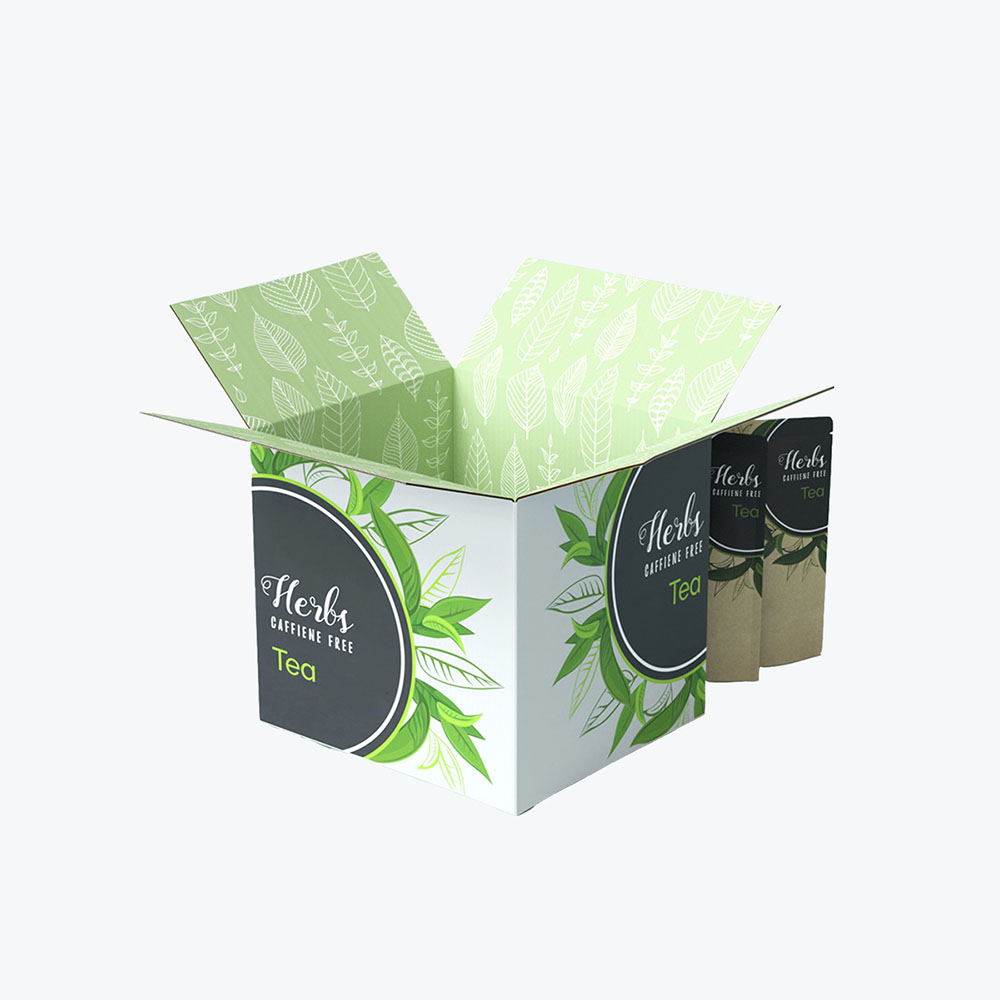
Protects products with properly-sizedcorrugated boxesor shipping boxes
Allows quick customization for e-commerce packaging and subscription boxes
Makes it easier for businesses to preview the final box design before production
Research on retail packaging shows that visual packaging elements influence purchasing decisions, product perception,and brand recognition. For example, depending on the type of food, packaging colors can enhance purchase intent, according to astudy. Another example: tea packaging. Per astudy published in Behavioral Sciences, design elements like typography, logo, color, and layout (bilateral symmetry versus grid and centralized) influence customer purchase intention to varying degrees.
Maintaining consistent branding across packaging and marketing materials helps customers associate certain colors and designs with specific products.
Another major benefit is flexibility. Businesses can create packaging tailored to their exact product dimensions rather than relying on generic, unbranded boxes that might not provide the perfect fit.
Step 1: Choose Your Box Type and Size
The first step in designing custom boxes online is choosing the right packaging style and dimensions. The packaging structure determines how well your product will be protected and how it will appear when customers receive it.
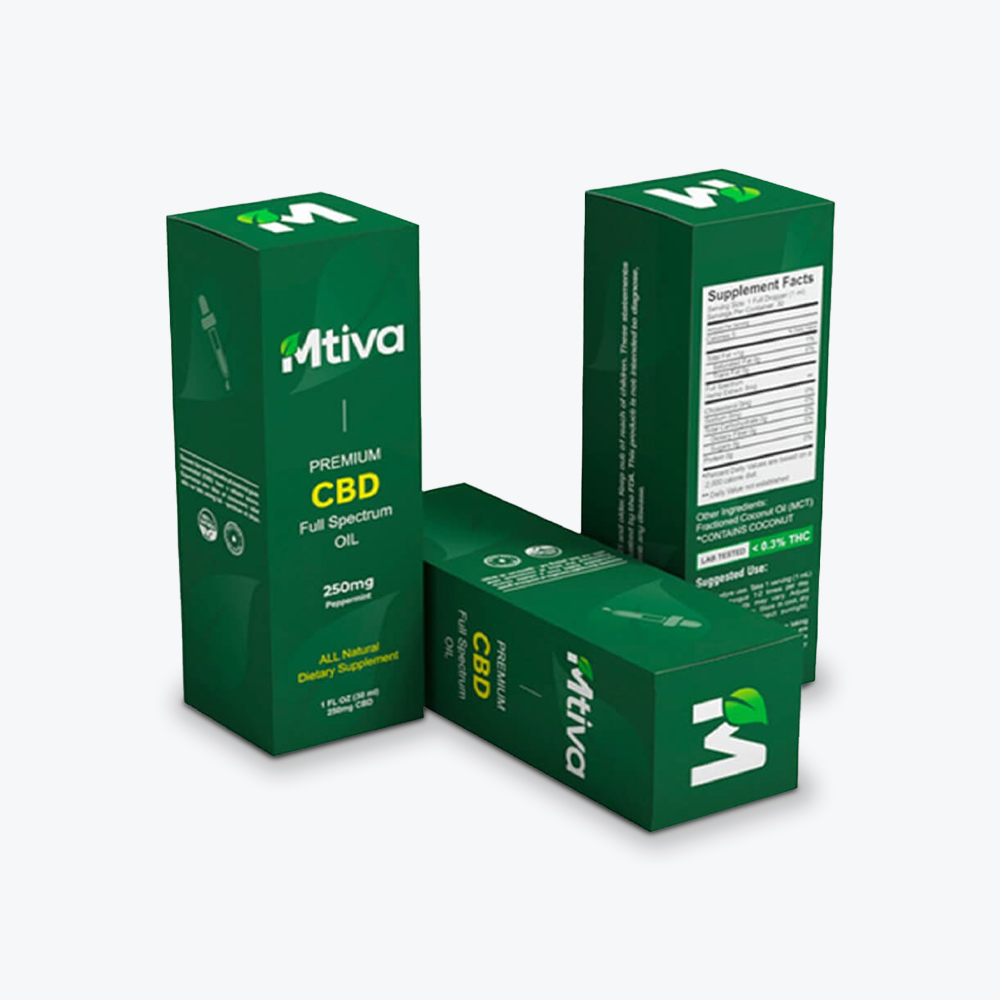
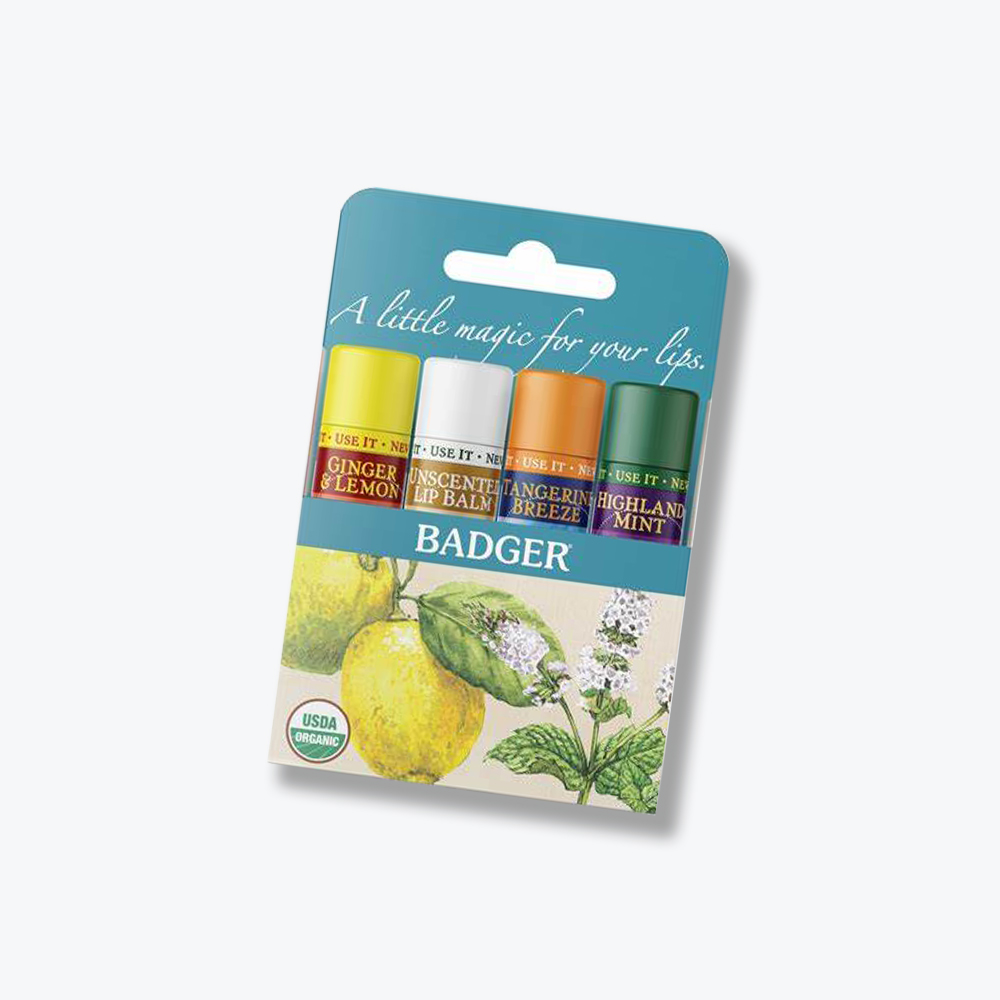
Often made from paperboard, these boxes are commonly used forretail packaging and can be placed inside a larger brandedbox for delivery. This gives you two layers of branding in a single custom order. Paperboard boxes are also lightweight and versatile, making them excellent for printing and packaging design work.
4.Rigid boxes
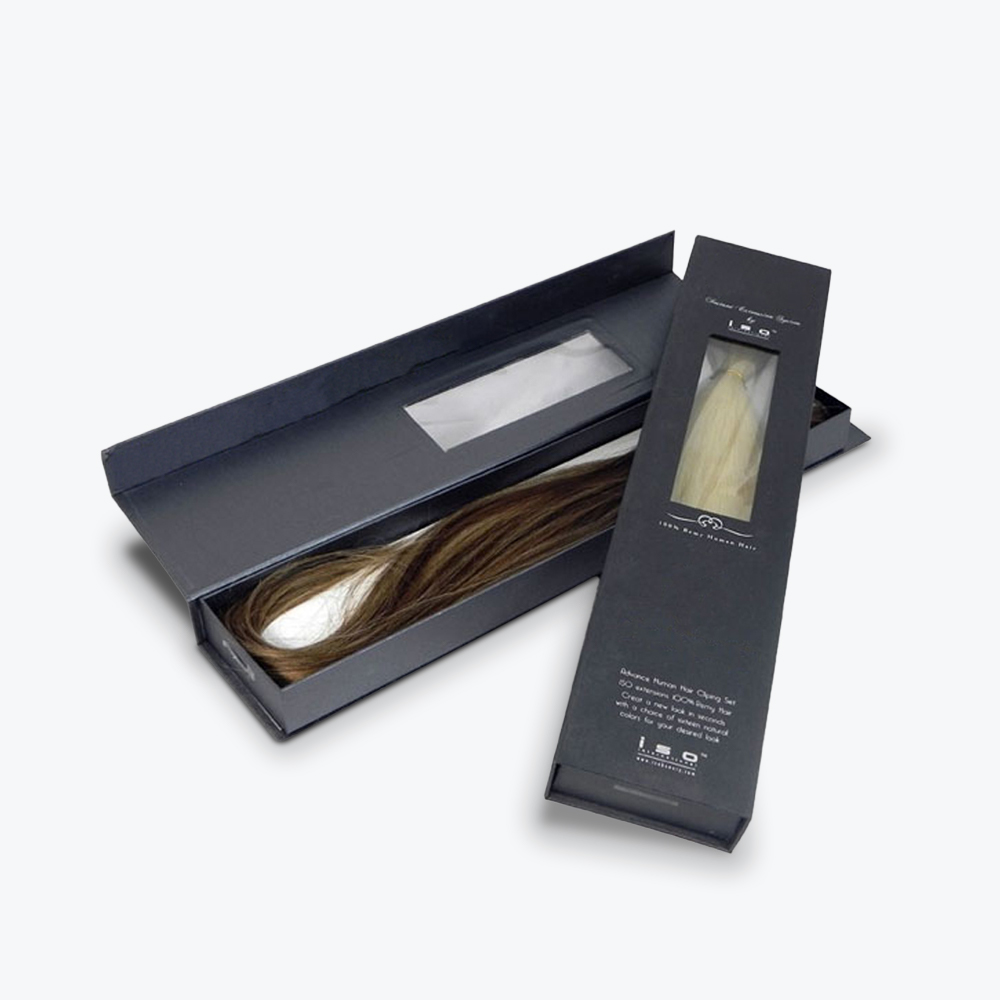
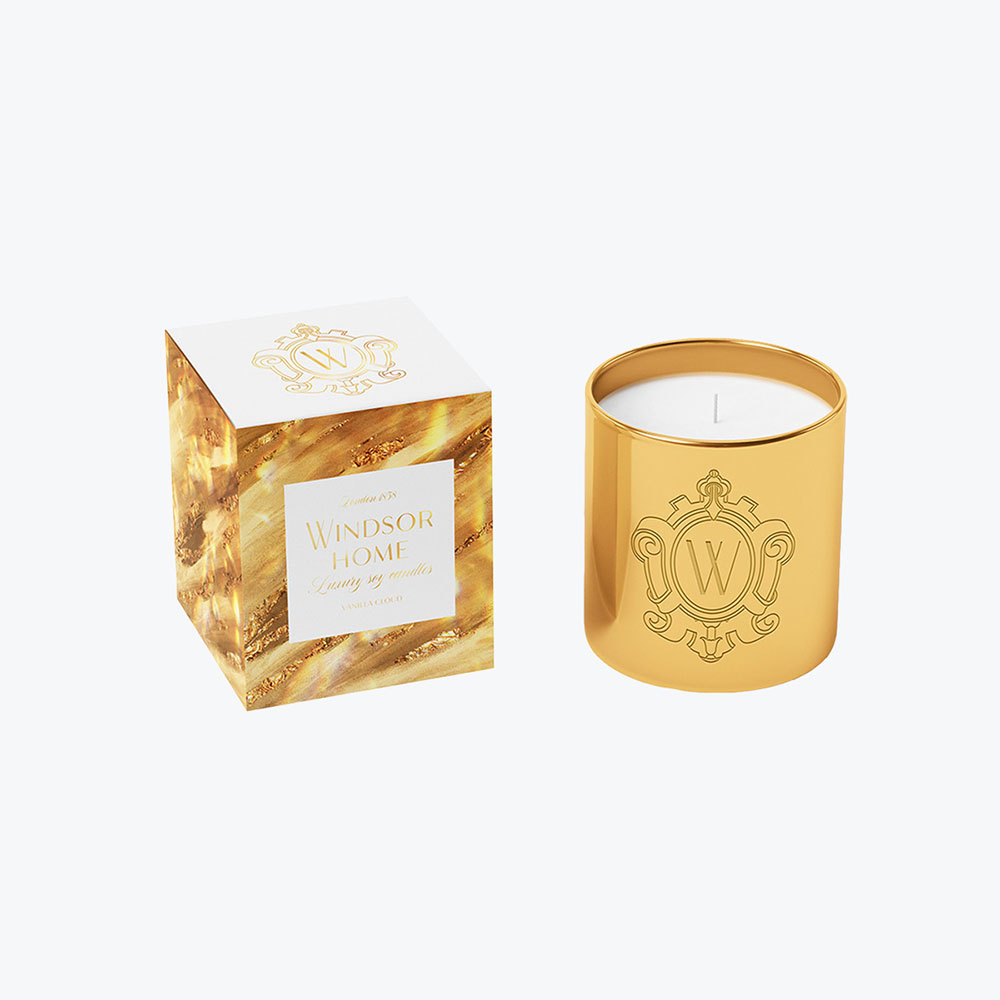
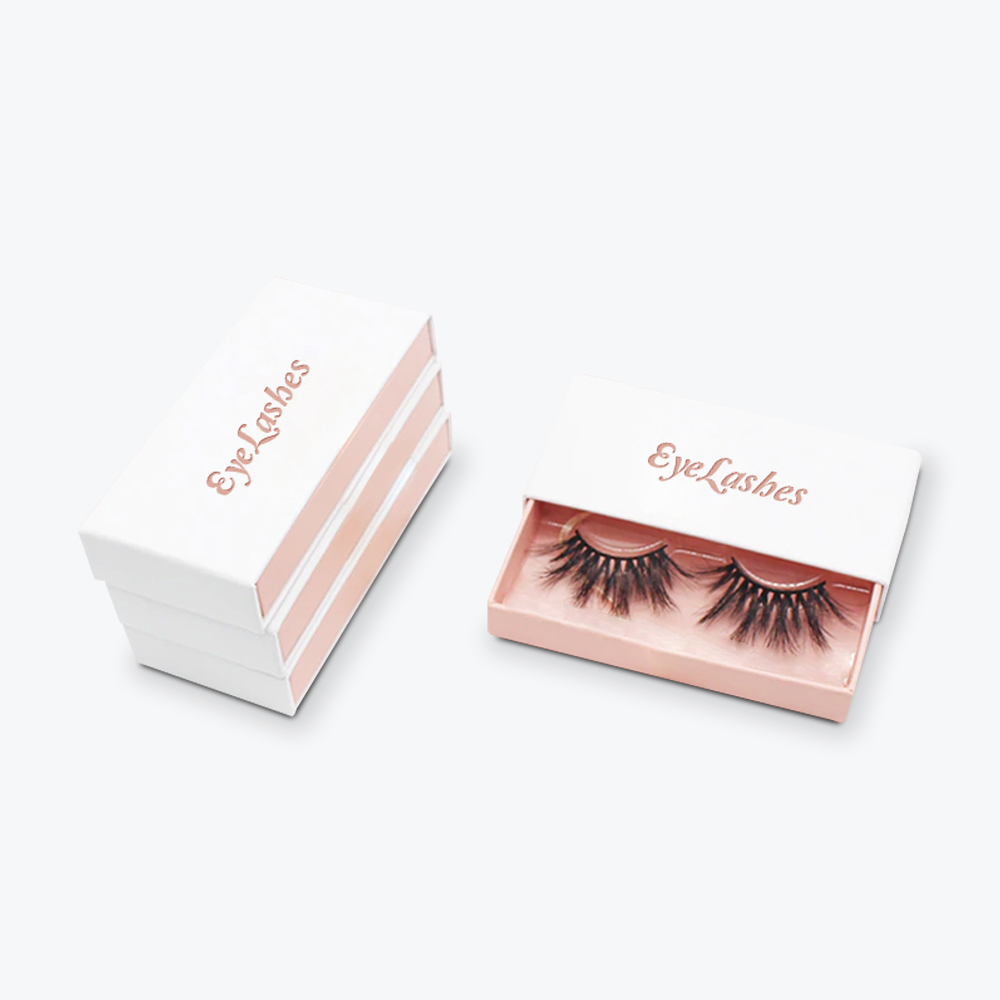
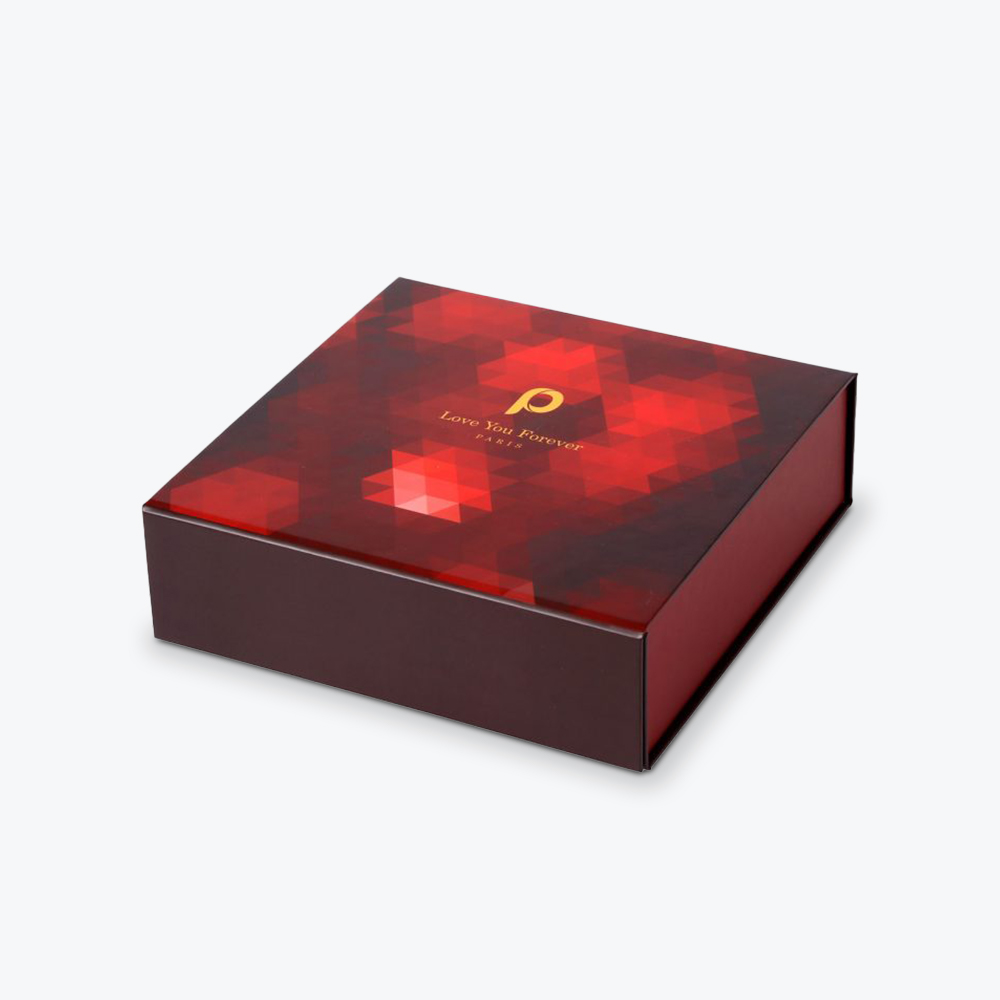
Premium packaging is commonly used for luxury products or other high-value items like electronics, cosmetics, or jewelry.
5.Poly mailers
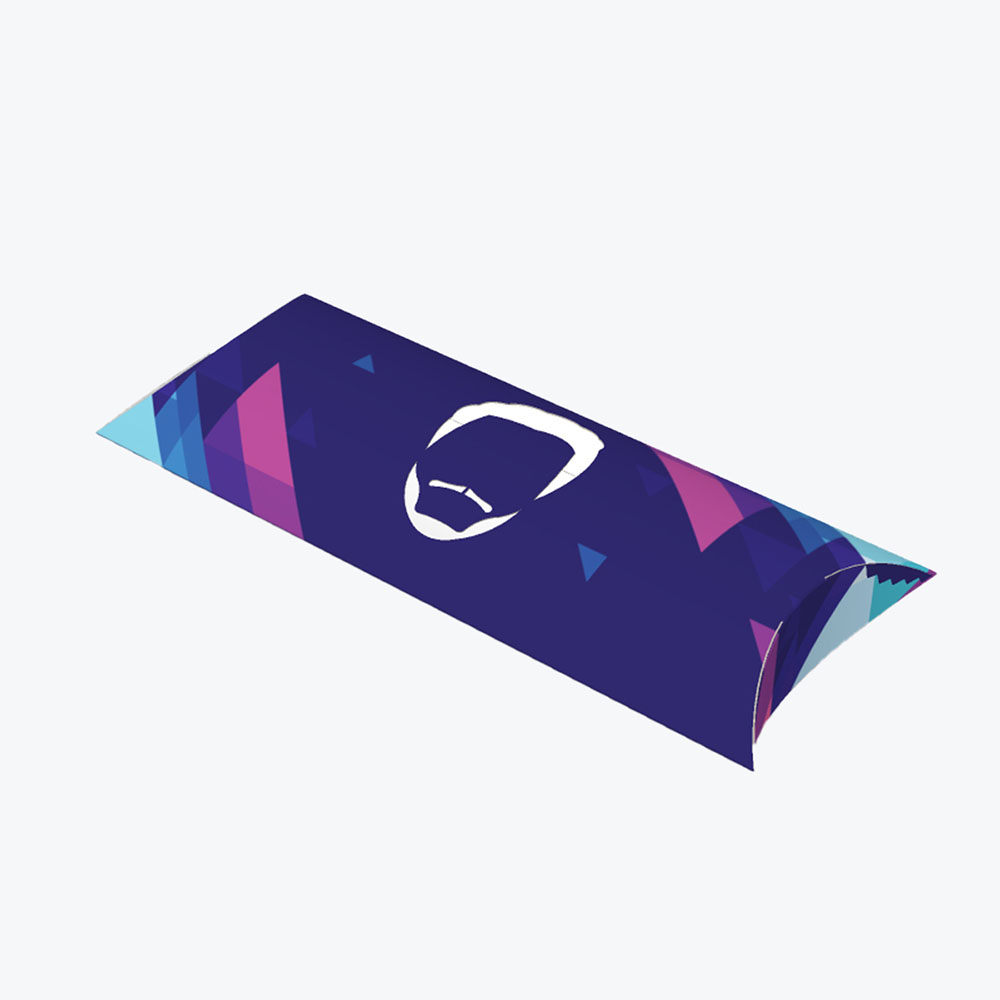
Lightweight packaging solutions made from polyethylene that protect non-fragile items such as clothing.
Once you’ve chosen your box type, nail down the dimensions. Your dimensions for custom boxes will vary depending on your product size and any additional packaging supplies you plan to include, like custom inserts or dunnage padding.
Measure your product carefully (length, width, height) and factor in a snug, but not tight, fit. A perfect fit means less movement, less damage, and a more professional presentation.
When choosing your box type, it’s important to consider:
Product dimensions
Weight of the product
Shipping requirements
Whether the box will hold multiple products
Space for inserts or promotional materials
Step 2: Create or Upload Your Design
Once you’ve finalized the box’s structure, the next step is designing the visual elements of yourcustomized packaging. Most online platforms provide a design tool where you can add logos, colors, and graphics directly onto a 3D preview of the box.
Essential elements of packaging design
When designing packaging, focus on these brand components:
Logo placement
Brand colors
Typography and readable fonts
Product information and instructions
Marketing elements such as slogans
Maintaining consistency with brand colors and typography ensures the packaging aligns with the company’s overall identity.
Understanding dielines
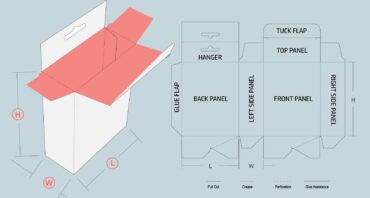
A key part of custom box design is the dieline, which is a flat 2D template that shows where the box will be cut and folded, or glued. Design software, such as Adobe Illustrator, is widely used to create precise dielines and high-resolution artwork for packaging.
Dielines include:
Cut lines
Fold lines
Bleed areas
Safe zones for graphics
Glue tabs
This ensures the logo, images, and text remain properly aligned when the box is assembled.
Design tools commonly used for packaging
Many businesses rely on digital tools to create custom packaging. These include:
Adobe Illustrator – Industry standard for vector graphics
Packlane – Lets you choose a packaging style, custom sizes, and customization options like images, text, and colors
VistaPrint Studio – Allows you to explore templates, create a custom design, or simply upload a design you’re already using
Packola Online Studio – Lets you add branded assets to custom packaging and specify elements like coating and which sides are printed. If you have questions about a design you already have, you can let their experts review your design by sending an email to artwork@packola.com.
These tools allow designers to see how graphics wrap around corners and fold, ensuring that nothing important is cut off.
Step 3: Review Proofs and Order Samples
Before sending your custom packaging design into full production, manufacturers will typically send a proof or sample for approval. Proofing allows you to confirm that the design, structure, and materials work as intended before thousands of boxes are printed.
What to check in your packaging proof
A digital or printed proof shows how your artwork will appear when printed, helping you verify details like color accuracy and alignment before production. Digital print proofs are typically printed using CMYK inks on proofing paper to represent how the final design will appear.
When reviewing a proof, check the following carefully:
1.Artwork placement and alignment.
Make sure logos, graphics, and text appear exactly where intended. Digital proofs help confirm artwork alignment and layout before printing begins.
2.Color accuracy.
Compare colors against your brand guidelines. Proofs show an approximate representation of the final printed colors, although slight variations may occur between digital proofing and full production printing.
3.Bleed lines and safe zones.
Ensure important design elements are positioned within safe areas so they are not trimmed or folded incorrectly during manufacturing.
4.Text readability.
Verify that product details, instructions, or small text remain legible. Printed prototypes are especially useful for confirming that small text prints clearly.
5.Panel layout and folds.
Confirm that graphics align properly across folds and panels so that key visuals or logos are not interrupted by creases.
Types of packaging samples you can request
Most packaging manufacturers offer several types of samples that help evaluate different aspects of the box.
Structural samples. Blank boxes used to test the size and structural design before printing. These samples help ensure the product fits properly inside the box.
Digital print proofs. Printed versions of your artwork on proofing paper used to verify layout and color representation.
Pre-production samples. Full-scale printed packaging created with the same materials and finishes as the final product. These provide the closest representation of the final box.
Prototype mockups. Mockups of packaging used to evaluate structure, materials, and design before committing to mass production.
Why samples are important
Ordering samples before full production helps businesses avoid expensive mistakes and ensure quality standards are met. Samples allow you toverify the box dimensions and product fit, test material strength and durability, confirm print quality and graphics placement, evaluate overall presentation and branding, and identify design or structural problems early.
Step 4: Finalize Your Order
After approving the proof, you can place your final orders. Most online packaging services allow businesses to configure the following options: material selection, quantity of boxes, and additional packaging features.
Some packaging manufacturers also offer special finishes like matte coatings, soft touch laminate, or spot UV printing for premium presentation.
Key specifications to confirm before production
1.Material selection.
Choose the correct packaging material based on the weight and fragility of your product. Corrugated cardboard is commonly used for shipping boxes because of its durability and protective structure.
2.Printing method.
Packaging is typically printed using digital, offset, or flexographic printing, depending on order size and material type.
3.Box dimensions and dieline approval.
Confirm that the dieline and box dimensions match the approved prototype to ensure a consistent final product.
4.Production quantity.
Packaging manufacturers often offer different price tiers based on quantity, so it’s important to finalize the number of boxes needed for your product launch or shipping cycle.
5.Production and delivery timeline.
Packaging orders require time for proofing, production, and shipping. Proofing cycles may take several days, while full production can take several weeks, depending on order size.
Optional packaging add-ons
Businesses often include extra elements to enhance the unboxing experience, such aspackaging inserts to hold products securely, thank-you cards or discount codes, promotional leaflets, or protective dunnage packaging.
Common Design Mistakes to Avoid
Even with modern design tools, mistakes can still occur during the packaging design process. Here are some common issues businesses run into when designing custom boxes online.
Choosing the wrong box size. Boxes that are too large require additional filler materials and increase shipping costs.
Ignoring packaging durability. If you’re shipping heavy items, heavy-duty corrugated boxes are usually the best option due to their strength.
Overcrowding the design. Too many graphics or text elements can make packaging look cluttered and difficult to read.
Forgetting about fold lines. Graphics placed too close to folds may be distorted when the box is assembled.
Skipping the prototype stage. Ordering thousands of boxes without testing a sample can lead to costly mistakes.
Custom Packaging Designed to Grow with Your Business
Designing custom boxes online is easier than ever, thanks to modern design platforms and packaging manufacturers. By selecting the right packaging style, creating a clear custom packaging design, reviewing proofs carefully, and testing prototypes, businesses can create packaging that protects their products while reinforcing their brand.
Well-designed custom packaging goes beyond being a practical must-have for businesses. Done right, it helps strengthen your brand identity, enhances the customer experience, and helps products stand out in competitive markets.
When you design custom boxes online withRefine Packaging, you get expert support at every stage, from structural design to finalizing your box design. Whether you need mailer boxes, corrugated packaging, or fully custom printed boxes for retail, we’ve got you covered.
Ready to create custom boxes that stand out?Get a free quote today orrequest a sample kit, and start designing packaging that leaves a lasting impression.
Alex Jasin is a Co-Founder and CMO at custom packaging box company, Refine Packaging. Thousands of companies including T-Mobile, Adidas, MetLife, Pandora, Marriott Hotels, and small businesses nationwide choose Refine Packaging for their custom boxes and wholesale product packaging needs. Recognized as a published thought leader by Dieline, Business Insider, and Entrepreneur, Jasin works tirelessly to help companies create eye-catching custom shipping boxes that stand out from the crowd. Jasin also serves as a consultant for a Blackstone-backed digital marketing agency in New York, where he works with Fortune 500 clients such as Ferrari, Allstate and Wells Fargo.






 Alex Jasin

 Amanda Jane Rivera
 Asif Muhammad
 Erica Campbell


.svg)
Share